Red Wallpaper HD1.09
Publisher Description
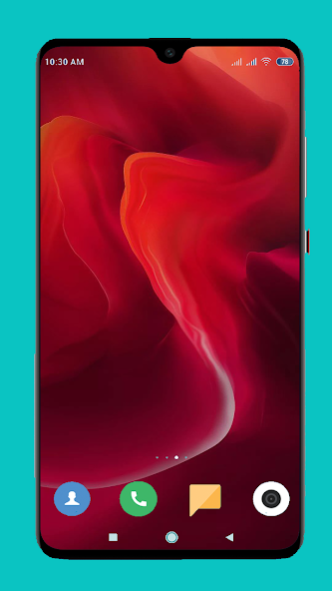
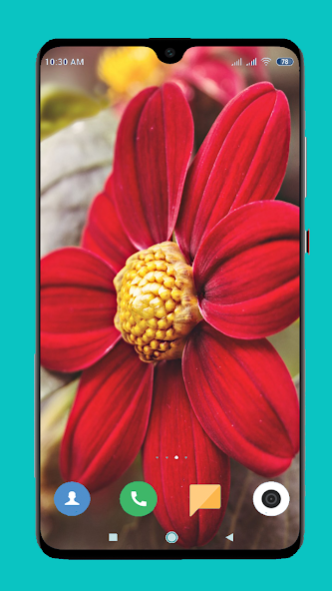
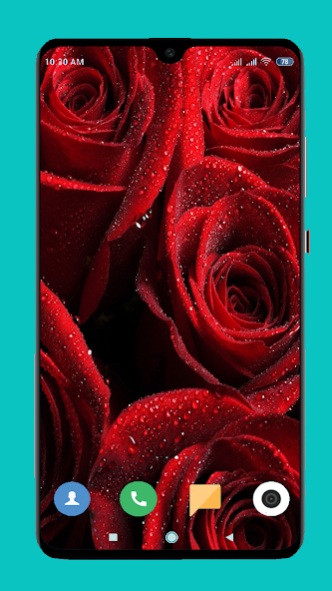
Red is a very emotionally intense color.It has very high visibility.This color does huge impact on our emotions,our spiritual and physical well being.Red is assertive, daring, determined, impulsive, exciting and aggressive. It symbolizes action,confidence and courage. In this application you can see different types of images on red color.All the images has high resolution and all the images are HD. Too much red causes loss of temper, anger but here the combination of color and the effects of color is balanced. Red is the color which already brings joy,purity and celebration. Red is the sign of Good Luck. All the wallpapers set nicely in your device.It is a very small app and very fast. No unnecessary features are there. You can set the images by a single click. Install the app as soon as possible and share the link with your friends and family and enjoy the features.
Features of Red Wallpaper HD application:
1. Easy to use.
2.Easy to download the images.
3.Easy to set the wallpaper by a single touch.
4.You can save the images in your gallery as well as your SD card.
5.Small and fast running app.
6.Install the app and Share your reviews with us.
About Red Wallpaper HD
The company that develops Red Wallpaper HD is FootballTech. The latest version released by its developer is 1.09.
To install Red Wallpaper HD on your Android device, just click the green Continue To App button above to start the installation process. The app is listed on our website since 2022-09-24 and was downloaded 2 times. We have already checked if the download link is safe, however for your own protection we recommend that you scan the downloaded app with your antivirus. Your antivirus may detect the Red Wallpaper HD as malware as malware if the download link to com.red.wallpaper.red.backgroundwallpaper is broken.
How to install Red Wallpaper HD on your Android device:
- Click on the Continue To App button on our website. This will redirect you to Google Play.
- Once the Red Wallpaper HD is shown in the Google Play listing of your Android device, you can start its download and installation. Tap on the Install button located below the search bar and to the right of the app icon.
- A pop-up window with the permissions required by Red Wallpaper HD will be shown. Click on Accept to continue the process.
- Red Wallpaper HD will be downloaded onto your device, displaying a progress. Once the download completes, the installation will start and you'll get a notification after the installation is finished.
